0
0
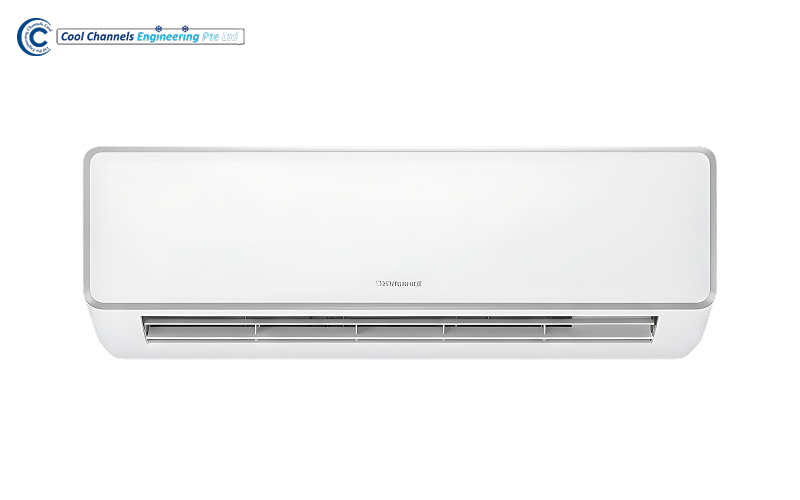
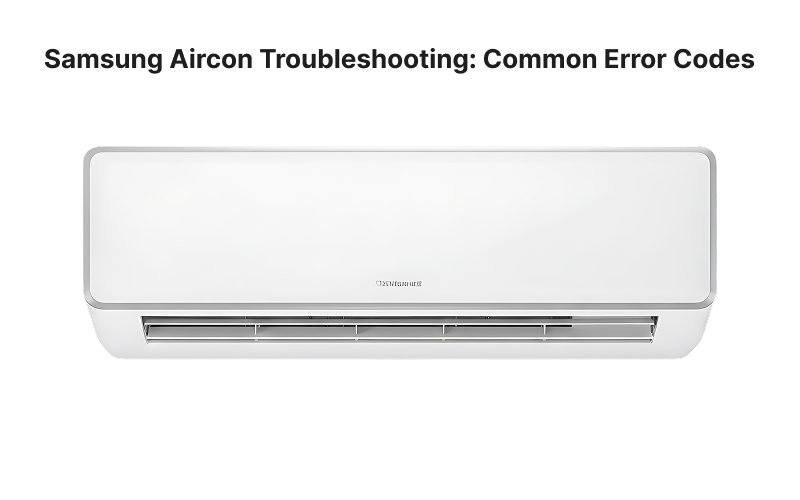
A blinking light or unfamiliar code means your Samsung aircon has detected an unusual operating condition. Depending on the model, the code may appear on the indoor unit display or through a pattern of flashing indicator lights.
This Samsung aircon troubleshooting guide explains what common codes may indicate, which checks you can perform safely, and when the system requires professional attention.
Samsung air conditioners monitor temperatures, fan movement, refrigerant flow, electrical conditions, and communication between the indoor and outdoor units.
When the system detects an abnormal reading, it may limit or stop operation to protect its components. The error code identifies the fault category, but it does not always confirm the exact cause.
For example, a communication code could result from loose wiring, a damaged connection, interrupted power, or a faulty circuit board. Effective Samsung aircon troubleshooting therefore considers the code together with the unit’s cooling performance, sounds, airflow, and operating behaviour.
Our aircon troubleshooting services can help identify whether a recurring fault comes from the indoor unit, outdoor unit, drainage system, wiring, or refrigerant circuit.
Not every code shown on the indoor unit means something has broken. Samsung identifies several commonly displayed indicators that relate to routine functions rather than component failures:
| Code | Meaning | What to Do |
| CF | Filter-cleaning reminder | Clean the filters and reset the reminder according to the user manual. |
| CI | Auto Clean is operating | Allow the cycle to finish or disable it using the remote. |
| dF | Automatic defrost | Wait for the heating-system defrost cycle to finish. |
Samsung recommends checking the user manual because display designs and indicators differ between models. It also advises cleaning the indoor filters when the CF reminder appears.
The first letter may appear as either “E” or “C”, depending on the system. For example, E121 and C121 generally refer to the same fault category.
| Code | Possible Fault | What It May Indicate |
| E121 or C121 | Indoor temperature sensor | The room-temperature sensor may be disconnected, shorted, or faulty. |
| E122 or C122 | Indoor heat-exchanger sensor | The evaporator temperature sensor or its connection may be abnormal. |
| E123 or C123 | Heat-exchanger sensor | Another indoor coil sensor may be disconnected or defective. |
| E154 or C154 | Indoor fan motor | The fan may be obstructed, disconnected, or unable to rotate correctly. |
| E162 or C162 | EEPROM or option data | Control-board settings or stored system information may be incorrect. |
| E163 or C163 | Option-setting fault | The indoor unit’s configuration data may require resetting. |
Samsung’s official guidance states that C121 relates to the indoor temperature sensor, while C122 and C123 relate to indoor heat-exchanger sensors. C154 concerns the indoor fan motor, and C162 or C163 may involve stored control-board data.
Switch the aircon off if the indoor fan makes grinding noises, struggles to turn, or stops completely. Sensor, motor, and circuit-board checks require access to internal electrical components and should be handled by a technician.
| Code | Possible Fault | What It May Indicate |
| E101 or C101 | Communication error | The indoor and outdoor units may not be communicating correctly. |
| E422 or C422 | Refrigerant-flow blockage | A service valve may be closed, a pipe may be restricted, or refrigerant may be leaking. |
| E461 or C461 | Compressor starting error | The compressor, wiring, power supply, or outdoor control board may be affected. |
| E554 or C554 | Insufficient refrigerant | The system may have an inadequate refrigerant charge or a leak. |
| E153 or C153 | Drainage or float-switch fault | Water may not be draining properly from the indoor unit. |
Samsung’s Smart Install guidance describes C422 as a refrigerant-flow blockage and recommends checking that the service valves are open, the pipes are unobstructed, and no refrigerant leak is present. It describes C554 as insufficient refrigerant on inverter models. These checks require suitable equipment and should not be attempted by homeowners.
For codes involving the compressor, circuit board, fan motor, or refrigerant system, our aircon repair services can help determine the appropriate work based on the unit’s condition.
On models without a full digital display, indicator lights may blink when the unit detects an alarm. The combination or sequence can vary by model.
Before resetting the aircon, record:
Samsung Singapore advises recording the code and seeking support if an indicator continues blinking after a power reset.
A reset may clear a temporary error following a power fluctuation or short communication interruption:
Samsung Singapore recommends trying a power reset when the indoor indicator blinks continuously. However, repeated resetting will not repair a faulty sensor, blocked drain, refrigerant leak, damaged motor, control-board problem, or compressor fault.
Before arranging professional Samsung aircon troubleshooting, check:
If the unit is not cooling but displays no error, dirty filters, blocked airflow, incorrect settings, or an obstructed outdoor unit may be contributing to the problem.
Do not open electrical panels, handle refrigerant pipes, or attempt to test internal wiring yourself.
For official manuals, model-specific support, and warranty information, refer to Samsung Singapore.
Arrange professional assistance when:
Switch off the system immediately if there is a burning smell, electrical arcing, severe leakage, or unusual compressor noise.
Similar symptoms can have different causes. Weak cooling, for example, may result from clogged filters, dirty coils, poor airflow, faulty sensors, insufficient refrigerant, fan problems, or compressor issues.
Accurate Samsung aircon troubleshooting involves checking the displayed code alongside airflow, temperatures, refrigerant pressure, electrical readings, drainage, and component condition. Simply resetting the unit or adding refrigerant may leave the underlying fault unresolved.
Contact us if your Samsung aircon continues blinking, stops cooling, or displays a recurring error code. Through our aircon service, our technicians can identify the underlying fault and recommend the appropriate repair for your system.